How to submit cards
Make a card, send a smile
- 1 Make your cardHandmade, digital, a letter: any theme that brings a smile.
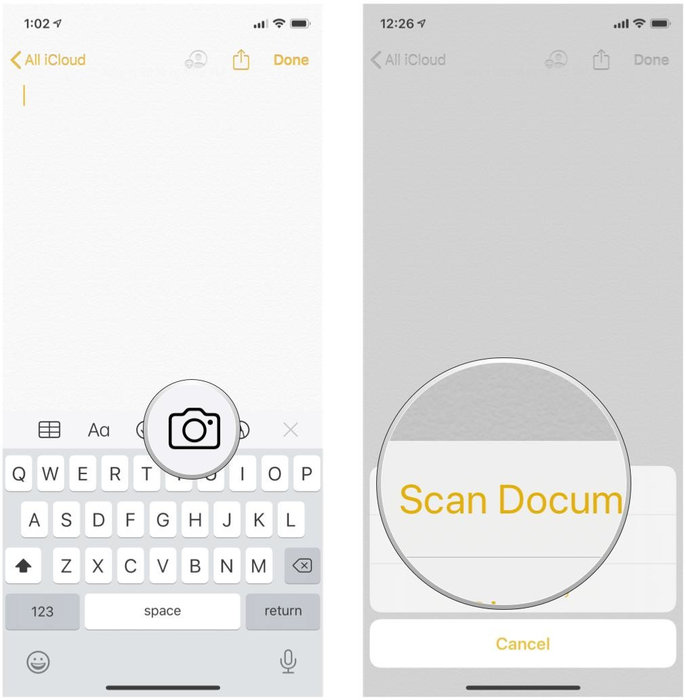
- 2 Take a picture or scanShow the whole card clearly and upright. A scanning app or the camera in the iPhone Notes app works well.
- 3 Fill out the formPick the categories that fit your cards, fill in every field, then press Submit.
Service hours
Paused
Earn volunteer hours
For every 5 cards you submit, you get 1 volunteer hour.
Currently, we are unable to provide volunteer hours. Please check back later for updates.
Service hours form ↗
Leadership
Join our leadership team
Help run SmileCard with our student team.
Tips for sending your cards
Make sure your picture is clear and good quality, and that every part of the form is filled in. Anyone who submits more than 25 cards will be recognized as a star contributor!